Step 3: Create the DNS service

A service is two halves, each a config:
- intercept.v1: what the client grabs. Here: anything sent to the Pi-hole's IP on port 53, TCP or UDP.
- host.v1: where the hosting identity sends it. The tunneler runs on
the Pi-hole itself, so that's
127.0.0.1:53.
The client keeps using 192.168.1.53 as its DNS server whether it's at home or not. The tunneler on the client
captures that traffic and carries it over the overlay, and the Pi-hole's tunneler hands it to Pi-hole locally.
Pi-hole will see every overlay query as coming from 127.0.0.1, not from the real client. Its per-client stats and
per-client blocking groups won't tell overlay clients apart. That's the trade-off of hosting with a tunneler.
forwardProtocol tells the host side to use whichever protocol the client used (UDP for normal lookups, TCP for big
answers), instead of a single fixed one.
Create the configs and the service
- ziti CLI
- ZAC
ziti edge create config dnslab-dns-intercept intercept.v1 \
  '{
    "protocols": ["tcp", "udp"],
    "addresses": ["192.168.1.53"],
    "portRanges": [{"low": 53, "high": 53}]
  }'

ziti edge create config dnslab-dns-host host.v1 \
  '{
    "address": "127.0.0.1",
    "port": 53,
    "forwardProtocol": true,
    "allowedProtocols": ["tcp", "udp"]
  }'

ziti edge create service dnslab-dns \
  --configs dnslab-dns-intercept,dnslab-dns-host \
  --role-attributes dnslab-dns
Under Services, click + and choose Create Advanced Service. Name it dnslab-dns and give it the attribute
dnslab-dns.
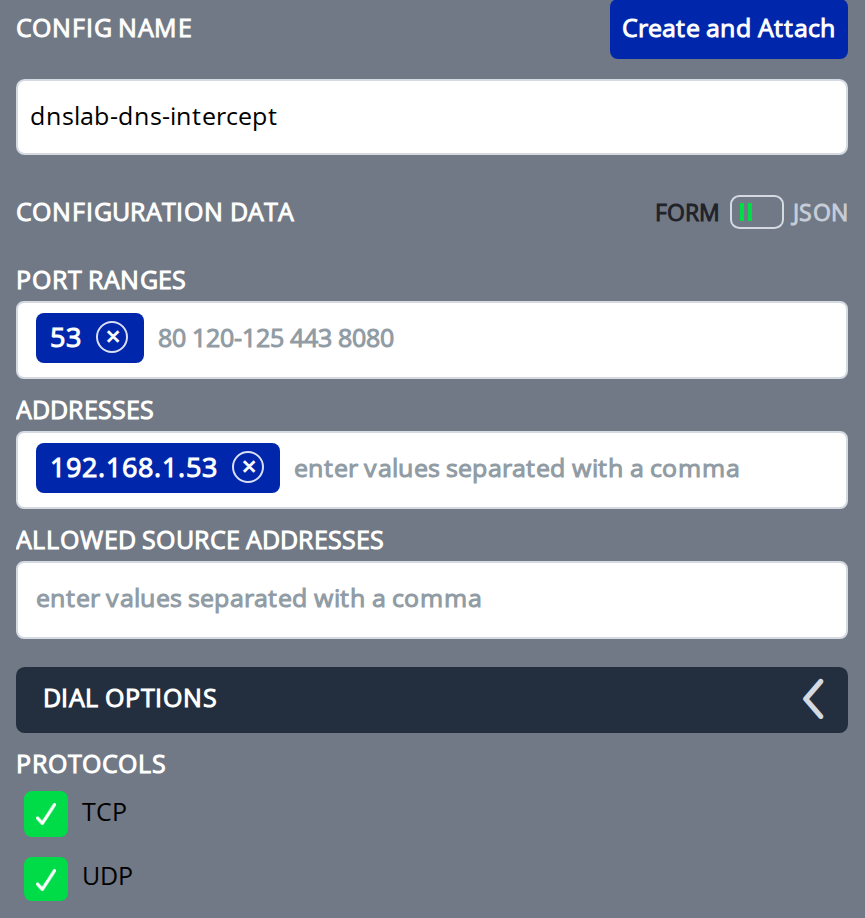
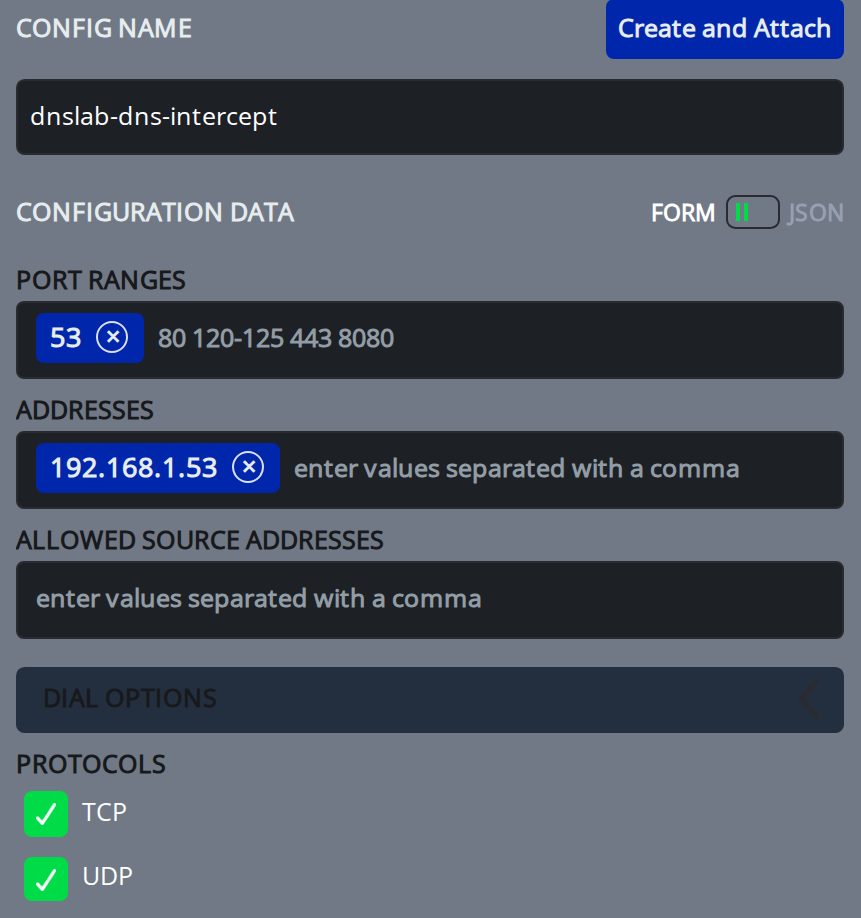
Under Add Configurations, create each config with the form fields, then click Create and Attach. Use the form, not the JSON view: ZAC rejects a config pasted as JSON.
First the intercept.v1 config, dnslab-dns-intercept:
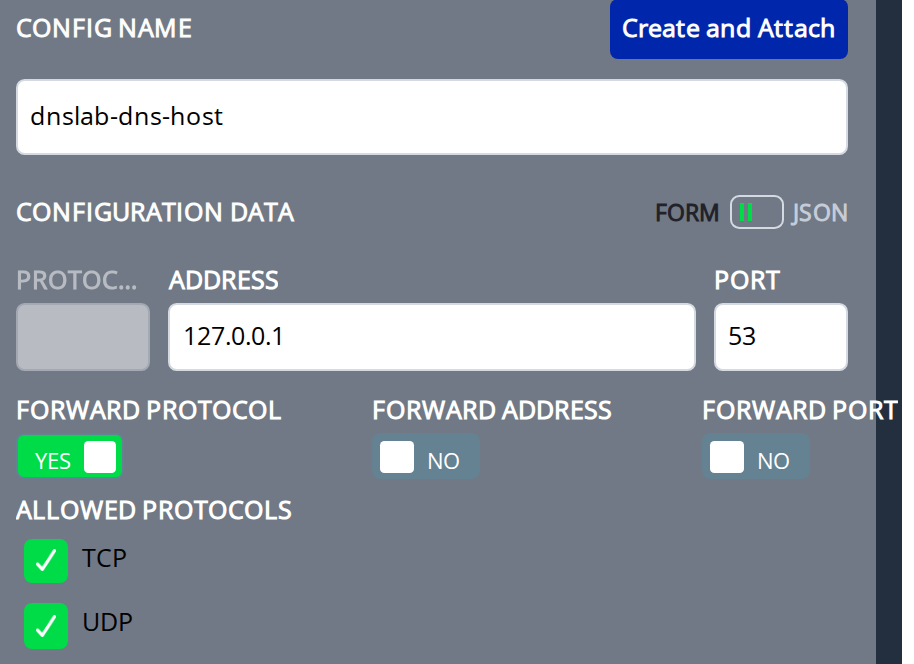
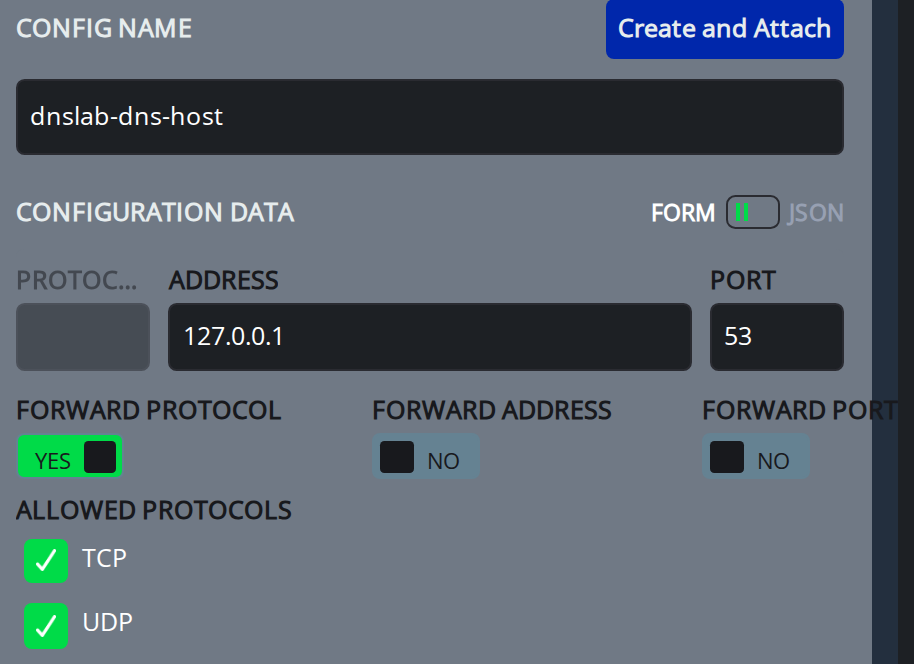
Then the host.v1 config, dnslab-dns-host. Turn on Forward Protocol and check TCP and UDP under Allowed
Protocols:
Save the service.
The dnslab-dns attribute is what the policies in step 4 match on.
Check it works
ziti edge list services 'name="dnslab-dns"'
ziti edge list configs 'name contains "dnslab-dns"'
Nothing carries traffic yet. With no policies, no identity may host or use the service.
Done when
- Both configs exist
dnslab-dnsservice exists with both configs and thednslab-dnsattribute