Step 3: Create the external JWT signer

The external JWT signer is the controller object that says which IdP's tokens to accept. It points the controller at the Keycloak realm from step 2.
Since OpenZiti 2.0, the signer can also create the identity the first time a user signs in. In the Ziti Admin
Console, it's called Auto Enrollment (Auto-Enroll to Cert and Auto-Enroll to Token). In the API, it's
enrollToCertEnabled and enrollToTokenEnabled. When it's on, the administrator doesn't have to create identities
ahead of time. They configure the external JWT signer once.
The two switches are the two ways a user can enroll: a user session (token) or a device certificate (cert). With both on, the tunneler asks the user to pick one. The lab uses user sessions.
Create the signer and auth policy
Create the signer for the lab's Keycloak realm with auto enrollment turned on. The signer uses these values:
| Field | Value |
|---|---|
| Name | acme-idp |
| Issuer | https://idp.example.com:8443/realms/acme |
| JWKS endpoint | https://idp.example.com:8443/realms/acme/protocol/openid-connect/certs |
| External auth URL | https://idp.example.com:8443/realms/acme |
| Audience | openziti |
| Claims property | email |
| Client ID | openziti |
| Scopes | openid, profile, email |
| Name claims selector | preferred_username |
| Attribute claims selector | groups |
- ziti CLI
- ZAC
SIGNER_ID=$(ziti edge create ext-jwt-signer acme-idp https://idp.example.com:8443/realms/acme \
  --jwks-endpoint https://idp.example.com:8443/realms/acme/protocol/openid-connect/certs \
  --external-auth-url https://idp.example.com:8443/realms/acme \
  --audience openziti \
  --claims-property email \
  --client-id openziti \
  --scopes openid \
  --scopes profile \
  --scopes email \
  --enroll-to-token \
  --enroll-to-cert \
  --enroll-name-claims-selector preferred_username \
  --enroll-attr-claims-selector groups)

ziti edge create auth-policy acme-users \
  --primary-cert-allowed \
  --primary-ext-jwt-allowed \
  --primary-ext-jwt-allowed-signers $SIGNER_ID

ziti edge update ext-jwt-signer acme-idp \
  --enroll-auth-policy acme-users
-
Under Authentication > JWT Signers, add a signer with the values in the table. The two claims selectors are under Show More Options. Turn on Use External ID, which the console leaves off by default. Turn on Auto-Enroll to Cert and Auto-Enroll to Token.
-
Under Authentication > Auth Policies, add
acme-users. Allow Cert and Ext JWT, and addacme-idpto Allowed JWT Signers: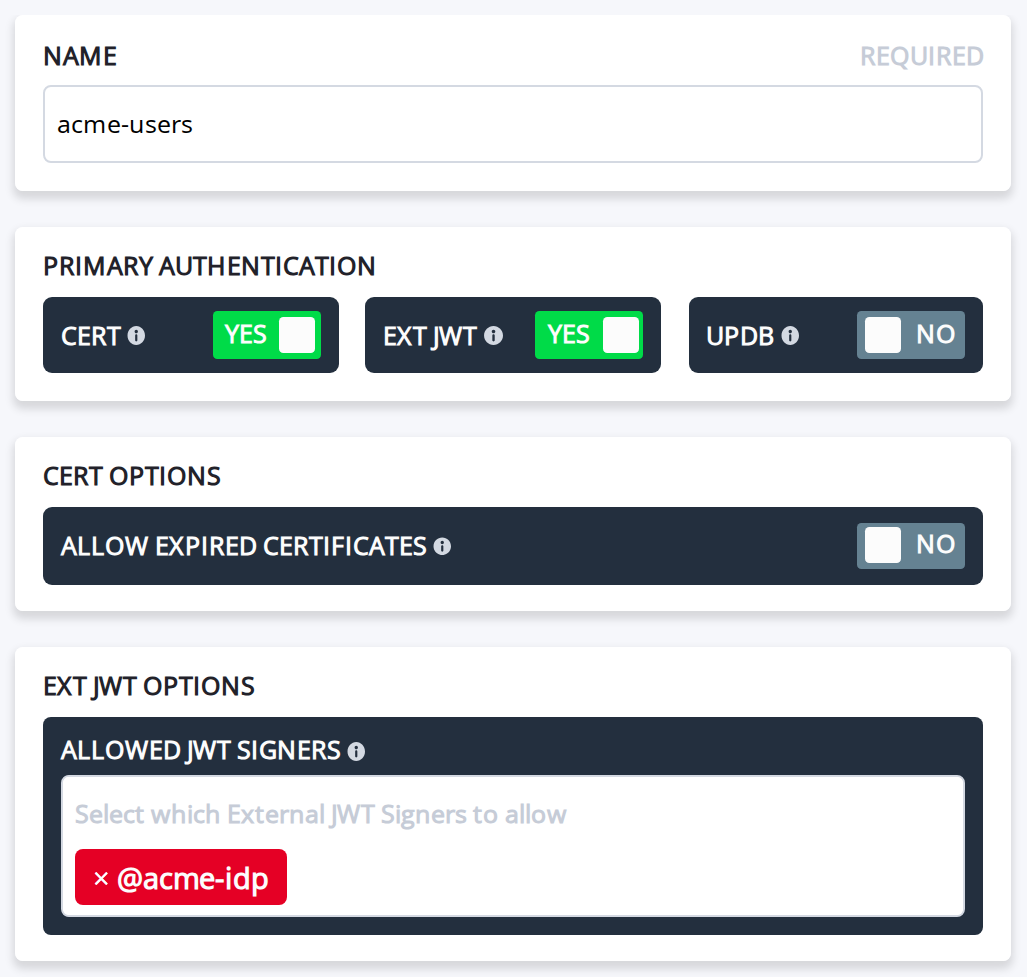
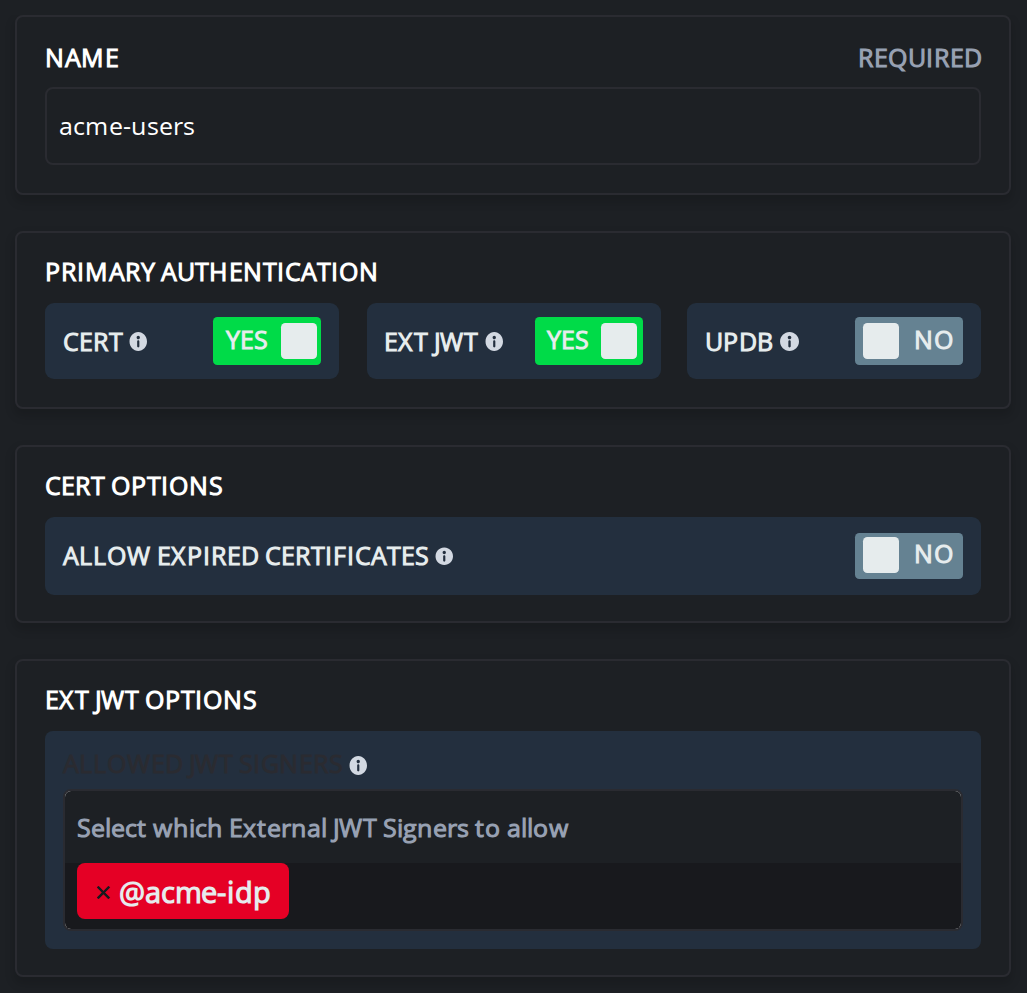
-
Open
acme-idpagain and set Enrollment Auth Policy toacme-users: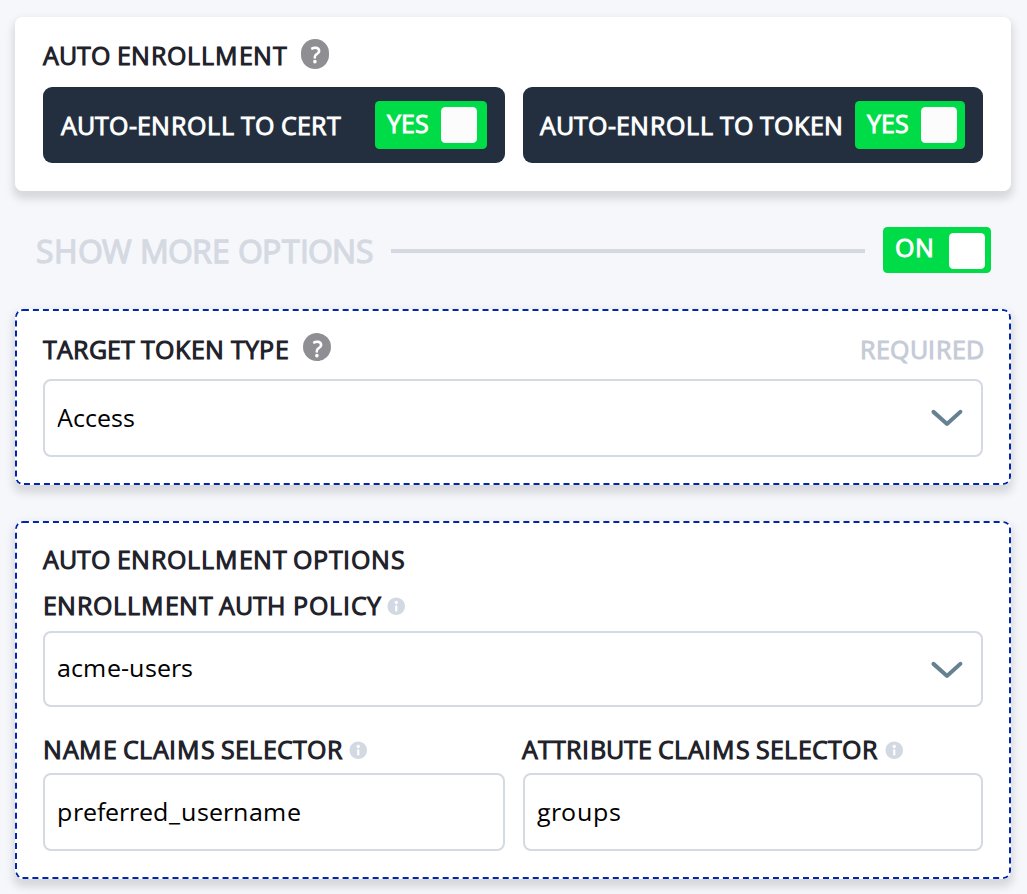
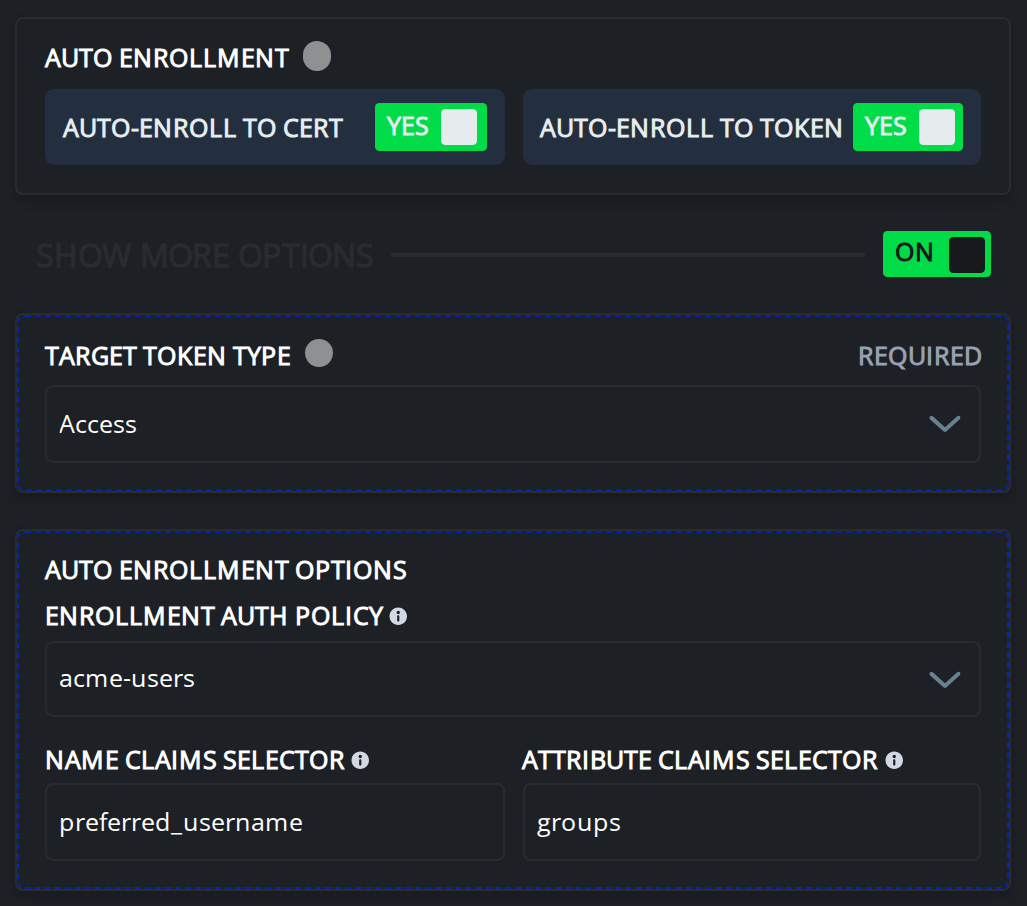
Every new identity gets its fields from the token. externalId comes from email, the name comes from
preferred_username, and the role attributes come from groups. New identities land in the acme-users auth policy.
It allows both certificate and ext-jwt authentication, which covers both ways a new identity might authenticate
later. The policy needs the signer's ID, so the signer comes first, on the default enroll auth policy, and then
moves to acme-users.
If you set --jwks-endpoint, as shown above, the controller fetches the IdP's signing keys from that URL. The
controller must reach the URL and trust its certificate.
For every signer field, see External JWT signers. For how the controller names and matches auto-enrolled identities, see Auto external JWT signer enrollment.
The signer reads what the step 2 client puts in the token: --audience openziti matches the Audience mapper,
and --enroll-attr-claims-selector groups reads the Group Membership mapper.
Done when
ziti edge list ext-jwt-signersshowsacme-idp- The signer's enroll auth policy column shows the ID that
ziti edge list auth-policieslists foracme-users